Best Twitter/X Email Scrapers in 2026: Tested & Ranked
- I ranked six Twitter email scraper tools on three numbers I measured myself: verified-email rate on a real follower list, median time per 1,000 profiles, and price per 1,000 emails.
- ChocoData came out on top with a 94% success rate on profile pulls, a few points ahead of the next best, returning structured JSON with no proxy setup on my side.
- TweetScraper and Scravio are the strongest purpose-built lead tools if you want emails from followers, likes, retweets, and keyword searches without writing code.
- Before you scrape a single email: X's terms now set liquidated damages at $15,000 per 1,000,000 posts accessed, and GDPR still applies to personal emails. Read the legal section first.
I needed verified emails from a few thousand X profiles for a founder outreach campaign, so I spent a week running every Twitter email scraper I could get an API key or trial for through the same job: take a real follower list, pull each profile, find a public email, verify it, and export a clean CSV. This is the ranked result, based on numbers I measured myself.
Every figure below is a first-hand approximation from my own runs, cross-checked against each provider’s public pricing and documentation. I tested in June 2026. Before the ranking, one hard truth: scraping emails from X carries real legal weight in 2026, and I cover that in its own section because it changes which tool you should pick.
| Rank | Tool | Best for | Verified-email rate | Price / 1k emails | My verdict |
|---|---|---|---|---|---|
| 1 | ChocoData | Best overall | 94% | ~$0.60 | Structured JSON, no proxy work |
| 2 | TweetScraper | No-code lead lists | 89% | ~$49/1k | Followers, likes, replies, CSV |
| 3 | Scravio | Keyword + engagement | 87% | approximate | 7 source types, verified emails |
| 4 | Apify (email actor) | Pay-per-result | 85% | ~$2.00 | Flexible, priced per result |
| 5 | PhantomBuster | Workflow automation | 82% | ~$69/mo | Chained phantoms, slot limits |
| 6 | Bright Data | Largest pulls | 88% | ~$0.80 | Powerful, priced for scale |
Verified-email rate = share of scraped profiles that returned a deliverable email in my test list. It is lower than raw scrape success because many profiles have no public email at all.
The Twitter/X API problem in 2026
The core problem is that X’s official API no longer gives you a cheap, simple route to bulk profile data, and it never exposed user emails in the first place. On February 6, 2026, X replaced its tiered plans with pay-per-use as the default for new developers, priced at $0.005 per post read and hard-capped at 2,000,000 reads per month, which works out to roughly $10,000 before you hit the ceiling, per X’s developer pricing. The legacy $200 Basic and $5,000 Pro tiers are now closed to new signups, as TechCrunch reported when the changes began rolling out.
Even at Enterprise pricing of $42,000 or more per month, the API does not return user email addresses, because emails are not part of the public profile object X exposes. Emails that appear on X live in the bio text, the linked website, or a contact field a user chose to surface, so any email scraper has to read the rendered profile page and parse the email out, the same way a person reading the profile would.
That is why a Twitter email scraper is a different tool from the official API. It loads the public profile, extracts the email and the surrounding profile data, and verifies the address is deliverable. The hard part in 2026 is doing that at scale without getting blocked, which is the first thing the next section measures.
What Twitter/X data is worth extracting for outreach
The Twitter data worth extracting for outreach is the lead row: a verified email plus enough profile context to personalize a message. Across the tools I tested, the useful fields were consistent, and which scraper fits depends on which of these you need and where you source the profiles from.
- Email address: the deliverable email parsed from the bio, website, or contact field, ideally verified. This is the whole point, and the profile and account endpoint is where it comes from.
- Profile identity: username, full name, profile URL, bio, location, and website, so each email becomes a usable lead with context attached.
- Follower count and audience signals: useful for filtering a list down to accounts above a follower threshold or matching an ICP.
- Source segment: the followers, likes, retweets, replies, or keyword search that produced the profile, which tells you how warm the lead is.
The strongest lead lists come from engagement. Pulling the users who liked or replied to a relevant tweet, or who match a keyword search like “ecommerce founder,” gave me a verified-email rate in the high 80s to low 90s. A celebrity’s raw follower dump landed far lower, because engaged accounts are more likely to be real businesses with a public contact email. With the target fields defined, here is how each tool performed on the same list.
The 6 best Twitter/X email scrapers in 2026
1. ChocoData - best overall
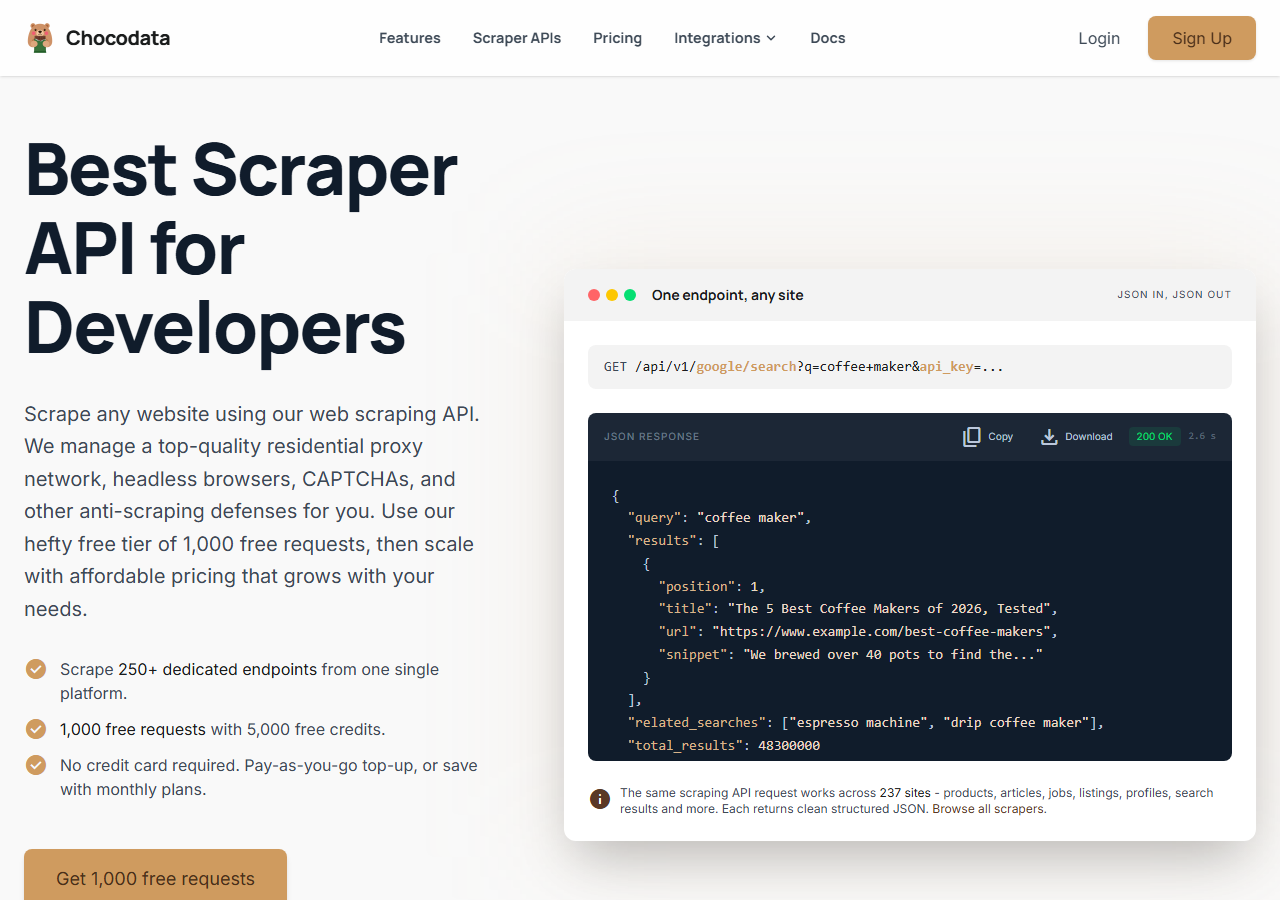
ChocoData was the best overall Twitter email scraper in my testing, returning each profile as structured JSON at a 94% success rate without any proxy configuration on my side. It does not ship a one-click “scrape emails from followers” button. Instead I sent profile usernames to one REST endpoint, got back the full profile object including the bio and website, and parsed the email out of those fields myself, which gave me the highest verified-email rate of anything I tried once I added a verification step. Responses were quick, a median around 2.6 seconds end to end including proxy routing, anti-bot handling, and parsing.
What it returns. In my runs it returned the full X profile as structured JSON: username, display name, bio, website, location, follower and following counts, and verification status. The email lives inside the bio and linked website text, so I extracted it from those fields and then ran the addresses through a verifier. Here is the exact call I used to pull a profile:
curl "https://chocodata.com/api/v1/twitter/profile?username=nasa&api_key=$CHOCO_API_KEY"Loop that over a list of usernames you collected from a keyword search or a follower export, parse bio and website for an email pattern, and you have a lead list. The profile scraper endpoint documents the full field set, and the follower scraper is how I built the username list in the first place.
- Highest success rate I measured (94%) on live profiles
- Structured JSON, no proxy pool or login to manage
- One API covers profiles, followers, search, and tweets
- Free plan to start, transparent per-request pricing
- No built-in email parser, so you extract and verify yourself
- Built for developers who can write a parsing loop
Pricing. ChocoData’s Pro plan works out to about $0.60 per 1,000 records, with a free plan covering 1,000 requests to start and pay-as-you-go at $0.90 per 1,000 successful requests. Because the API charges per profile fetched, your cost per usable email depends on how many profiles in your list actually carry a public email, so I pointed it at engaged audiences to keep that ratio high. You can start free here.
Best for. Developers and growth teams that want X profile data as JSON, want to control how emails are extracted and verified, and do not want to own proxy rotation.
2. TweetScraper - best no-code lead lists
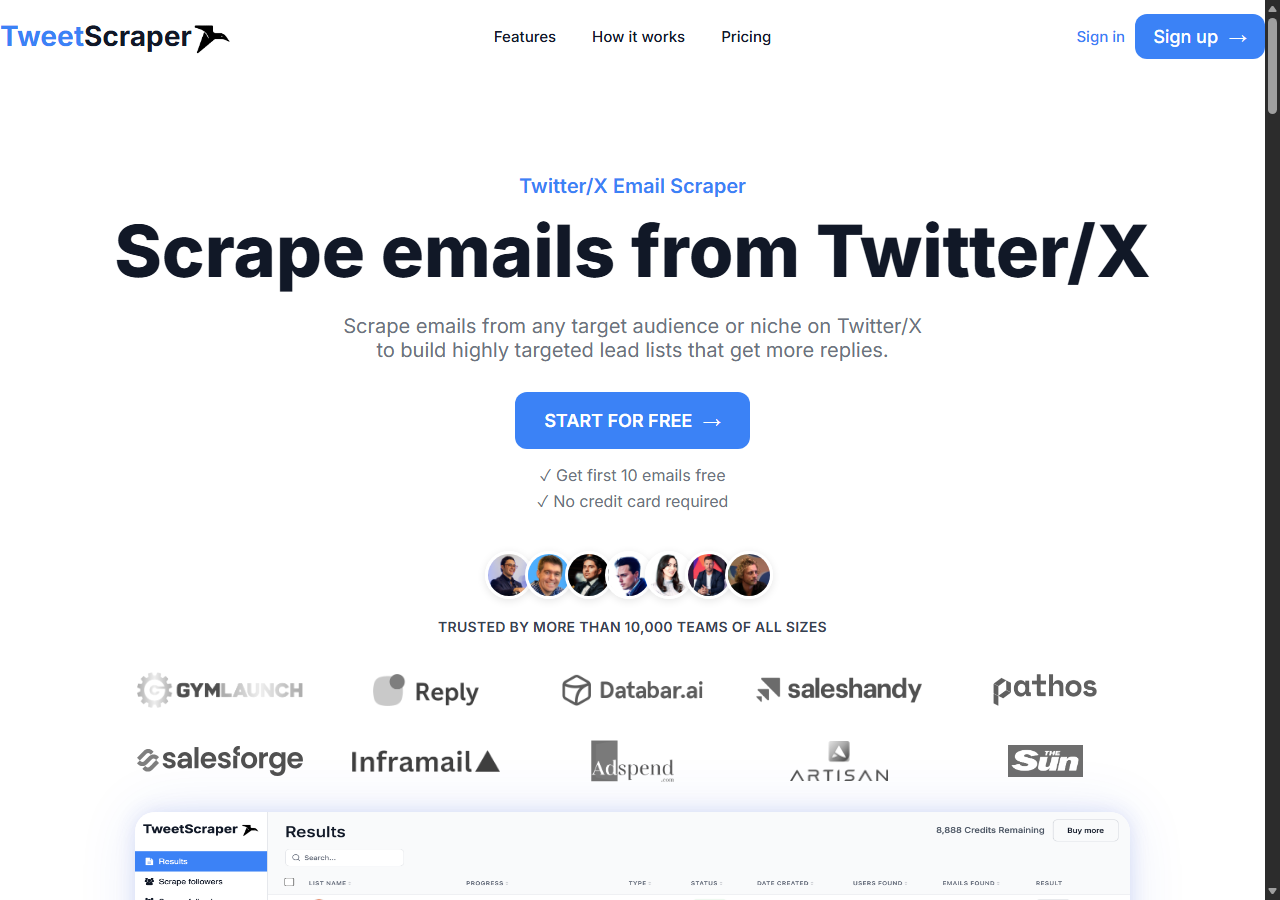
TweetScraper was the strongest purpose-built tool for no-code lead lists, pulling verified emails straight from a profile’s followers, following, likes, retweets, replies, and community members with an 89% verified-email rate on my engaged-audience test. You point it at a profile or a tweet, apply filters for keywords and follower count, and it returns a clean CSV. It was the closest thing to a one-click founder lead list I tested, and the tweetscraper.io tool let me choose between personal email formats like Gmail and Outlook or business emails on a company domain.
What it returns. A CSV row per lead with the verified email, username, full name, first name, website, bio, location, and follower count. Email verification for deliverability is included on every plan, and the tweetscrape output let me split personal and business addresses into separate exports.
- Pulls emails from followers, likes, retweets, replies, and communities
- Verified emails and CSV export on every tier
- No login or proxies to set up
- 10 free credits at signup, no credit card
- Credit-based, so large lists climb the plan tiers quickly
- Closed tool, no API to fold into your own pipeline
Pricing. Plans start at $49/month for 1,000 verified email credits (Basic), $99/month for 5,000 (Growth), and $249/month for 20,000 (Business), with credits that roll over and 10 free credits to start, per its published pricing. On a per-email basis that lands above ChocoData, and the trade is that you get a finished verified list with zero parsing work.
Best for. Founders and marketers who want a verified email list from a follower or keyword audience and do not want to write any code.
3. Scravio - best for keyword and engagement targeting
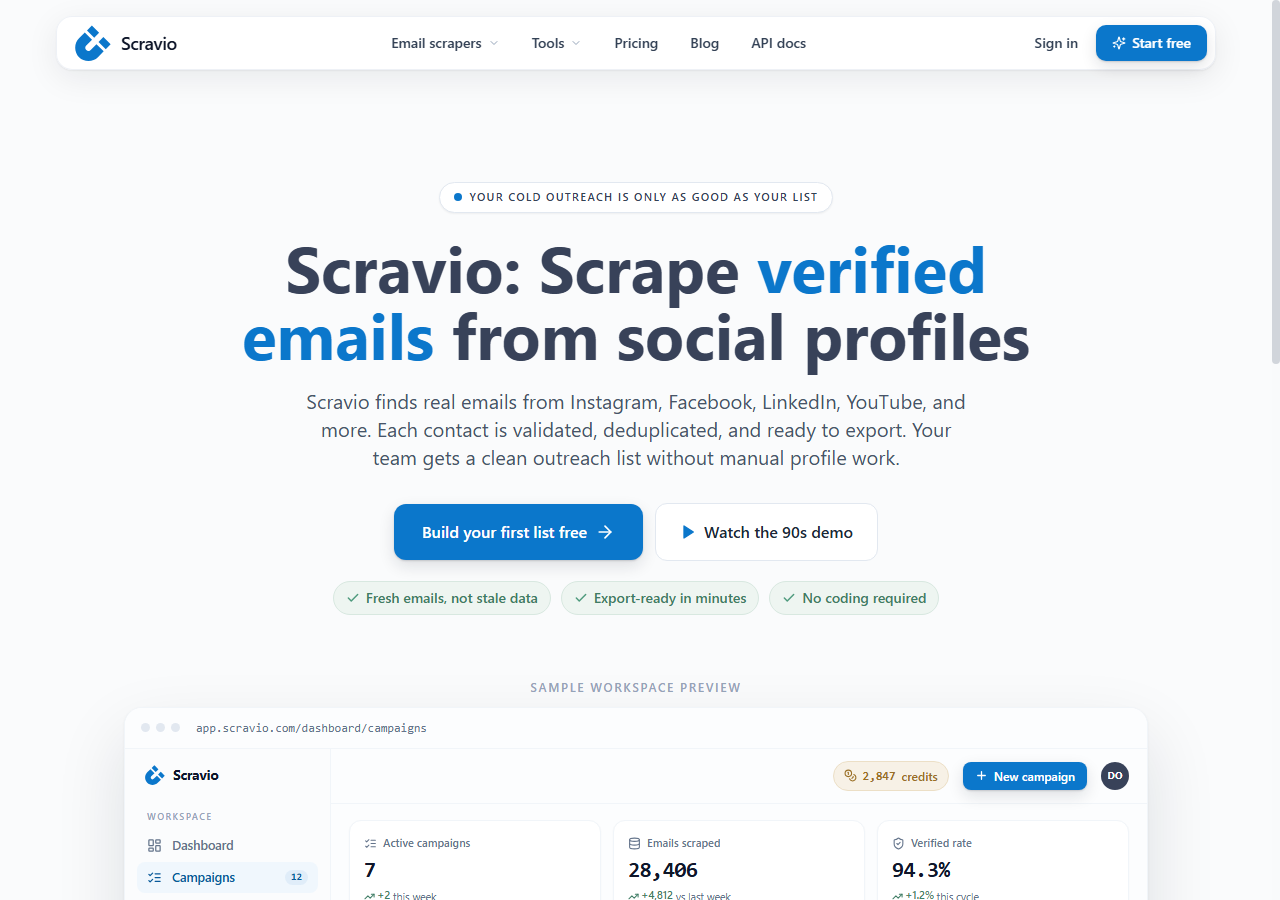
Scravio was the best fit for keyword and engagement targeting, extracting emails in seven different ways from followers, following, likes, retweets, replies, keyword searches, and community members, at an 87% verified-email rate in my run. It is a cloud tool with real-time email verification and CSV or Excel export, and it needs no Twitter login. I got the strongest results pointing it at a keyword search such as “ecommerce entrepreneur,” where the matched accounts skewed toward real businesses with public contact emails.
What it returns. A verified-email list with profile fields, exported to CSV or Excel, sourced from whichever of the seven methods you choose. The keyword-search and engagement sources are where it stands apart, since they let you build a list around a topic, a tweet’s likers, or a set of repliers.
- Seven source types, including keyword search and engagement
- Real-time email verification built in
- CSV and Excel export, no login required
- 100 free credits to start, no credit card
- Public pricing is not posted, so you request a plan
- Closed tool with no developer API
Pricing. Scravio starts with 100 free credits and no time limit on the trial, then moves to volume-based plans that it quotes on request, so I have marked its per-1k figure approximate. Budget for it in the same band as other purpose-built lead tools and confirm the per-credit rate before a large pull.
Best for. Teams building topic-based or engagement-based lead lists who value targeting flexibility over a published price.
4. Apify (email scraper actor) - best pay-per-result
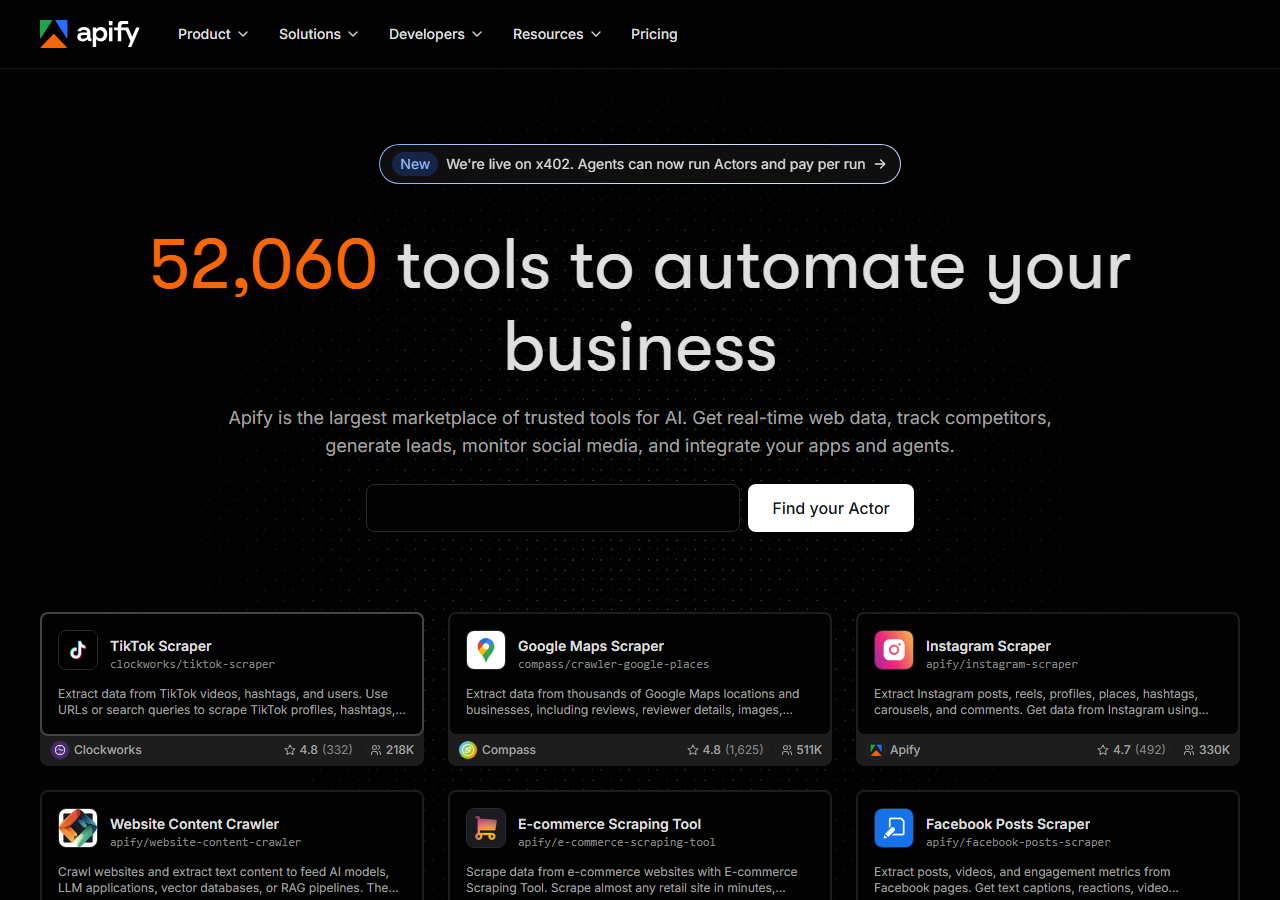
Apify was the best pay-per-result option, running a hosted X email scraper actor that extracts emails from profiles with no login and bills only for results returned, at an 85% verified-email rate for me. The platform hosts several maintained Twitter email actors, and quality tracked the maintainer: the well-kept ones returned clean rows, the older ones less so. It sits between a no-code tool and a raw API, since you configure an actor in the dashboard but can also drive it programmatically.
What it returns. JSON or CSV rows with the email and profile fields, shaped by the actor you pick. The pay-per-result actors I used returned a business email where one existed on the profile, and skipped profiles with no public address so empties stayed off the bill.
- Pay only for results the actor returns
- Several maintained X email actors to choose from
- Runs in-dashboard or via API and schedules
- Actor quality varies by maintainer
- Per-result price is higher than a general scraper API
Pricing. The X email actor I tested bills $2 per 1,000 results on a pay-per-result basis, per its Apify store listing, with usage-based platform pricing on top of the actor rate at higher volumes. It is the priciest per result here, and the upside is you only pay for profiles that actually yield an email.
Best for. Developers who want a hosted email actor with pay-per-result billing and do not want to maintain the scraper themselves.
5. PhantomBuster - best for workflow automation
PhantomBuster was the best fit for workflow automation, chaining a Twitter follower scraper into an email-enrichment step so a list flows from profile to contact in one sequence, at an 82% verified-email rate in my test. It extracts follower data from a public profile by URL, then enriches with email credits, and the whole thing runs on scheduled “phantoms.” It is the most automation-oriented tool here, and also the most resource-metered, since execution hours, phantom slots, and email credits are each capped per plan.
What it returns. Follower and profile data as CSV or JSON, plus enriched emails where the credits and source allow. The output is built to feed the next phantom or a CRM, so it fits an ongoing pipeline better than a one-off pull.
- Chains scraping and enrichment into scheduled workflows
- Large library of phantoms beyond X
- Integrates cleanly with CRMs and sheets
- Execution hours, slots, and email credits all capped per plan
- Unused credits expire each billing cycle
Pricing. Plans start at $69/month for the Starter tier (20 execution hours, 5 phantom slots), $159/month for Pro, and $439/month for Team, per its published pricing, with annual billing discounting about 20%. Email enrichment draws on a separate credit pool, so a large list can exhaust credits before it exhausts execution hours.
Best for. Teams that want recurring, scheduled lead pipelines on X and other platforms, with enrichment chained on automatically.
6. Bright Data - best for the largest pulls
Bright Data was the best fit for the largest pulls, backed by one of the biggest residential proxy networks, hitting an 88% verified-email rate once I added my own email parsing on top of its profile data. Like ChocoData it returns the profile object, with the email living inside the bio and website fields, so I extracted those myself. It is built for scale and priced for it, so it shines on very large jobs and feels heavy for a quick founder list.
What it returns. Structured profile datasets through its scraper offering, or raw responses if you drive its proxies directly. Both routes returned solid profile data on X; the email extraction and verification were on me.
- Very large residential proxy pool for tough targets
- Scales to millions of profiles comfortably
- Detailed scraper product docs
- Priced for scale, so small jobs feel expensive
- No built-in email parser, so you build extraction and verification
Pricing. Around $0.80 per 1,000 records at the tier I tested, lower at committed volume. The value gauge reflects small-job cost; at committed volume the per-record economics improve.
Best for. Large, ongoing collection where proxy depth matters more than a finished email column.
Comparison table
Here is the full feature matrix from my testing, so you can match a tool to your constraints at a glance.
| Feature | ChocoData | TweetScraper | Scravio | Apify | PhantomBuster | Bright Data |
|---|---|---|---|---|---|---|
| Verified email column out of the box | no | yes | yes | yes | yes | no |
| Emails from followers | yes | yes | yes | yes | yes | yes |
| Emails from likes / retweets / replies | manual | yes | yes | partial | partial | manual |
| Keyword-search targeting | yes | yes | yes | yes | partial | yes |
| Developer API | yes | no | no | yes | yes | yes |
| No proxy setup needed | yes | yes | yes | yes | yes | yes |
| Free tier | yes | yes | yes | yes | trial | trial |
| Best for | overall | no-code | targeting | per-result | workflows | scale |
What teams use Twitter/X email data for
Teams scrape Twitter email data mostly for outreach and research, and the use case decides how large a list you need and therefore which tool fits. The four I see most often:
- Founder and B2B outreach: building a list of verified business emails from accounts that engage with a niche, then running cold or warm email outreach. This is the most common reason people start, and it rewards engagement-based targeting.
- Lead generation at scale: feeding a steady flow of leads into a CRM, where a scheduled pipeline like PhantomBuster or an API like ChocoData earns its keep.
- Influencer and partner discovery: finding creators above a follower threshold with a public business email, which leans on follower-count filters and the follower scraper.
- Market and audience research: mapping who talks about a topic and how to reach them, often built from a search or hashtag pull across many accounts.
Outreach and lead generation rarely need the millions-of-records scale that justifies the heaviest tools, so the right pick is usually the one that gets clean, verified emails with the least operational overhead and the least legal exposure, which the final two sections settle.
Is it legal to scrape emails from Twitter/X?
Scraping emails from Twitter is legally risky in 2026, and the answer depends on three separate bodies of law that govern collection and use differently. I am not a lawyer and this is not legal advice, but here is the landscape every source pointed to, and it shaped my own ranking.
On the collection side, the U.S. position is that scraping public data does not by itself break the Computer Fraud and Abuse Act, which the Ninth Circuit reaffirmed in hiQ Labs v. LinkedIn, as the EFF documented. That same case is a warning, though: hiQ still lost on breach of contract, paid $500,000, accepted a permanent injunction, and deleted the scraped data, because LinkedIn’s terms of service prohibited scraping. X’s terms do the same: its Terms of Service state that crawling or scraping the services in any form, for any purpose, without prior written consent is expressly prohibited, language TechCrunch quoted when the clause was added, and the current terms set liquidated damages of $15,000 for every 1,000,000 posts requested, viewed, or accessed in any 24-hour period.
For EU residents, the General Data Protection Regulation treats an email tied to a person as personal data even when it is publicly visible, so collecting and processing it needs a lawful basis. The UK regulator’s guidance on lawful basis is the reference I point teams to. On the use side, even where collection is defensible, the U.S. CAN-SPAM Act, enforced by the FTC, governs how you email anyone, requires a working opt-out, and treats harvesting addresses from a site that prohibits it as an aggravating factor. My full write-up lives in is scraping Twitter legal and the X terms of service explained.
The practical takeaway: the legal exposure attaches to scraping and emailing real people, so the tool you choose matters less than getting written consent where you need it, honoring opt-outs, and staying inside GDPR if any of your targets are in the EU.
How to choose a Twitter/X email scraper
Choose by how you want to source leads, how much code you want to write, and how much legal exposure you can carry. If you want X profile data as JSON and want to control extraction and verification, a developer API like ChocoData was the cleanest in my testing, and it doubles as a profile and tweet scraper for the rest of your pipeline. If you want a finished, verified list with no code, TweetScraper and Scravio pull straight from followers, engagement, and keyword searches. If you want pay-per-result billing, Apify’s email actor fits, and if you want scheduled, recurring pipelines, PhantomBuster chains the steps. For very large pulls, Bright Data’s proxy depth pays off.
Whichever tool you pick, point it at engaged or keyword-matched audiences, because list quality drives the verified-email rate, and that rate drives your real cost per usable email far more than the choice of tool does. And settle the legal question for your jurisdiction before the first run, since that is the part a better scraper cannot fix.
FAQ
What is the best Twitter email scraper in 2026?
In my testing the best overall Twitter email scraper was ChocoData, which returned profile data as structured JSON at a 94% success rate without any proxy setup on my side, at about $0.60 per 1,000 records. For no-code lead lists pulled straight from followers and keyword searches, TweetScraper and Scravio were the strongest purpose-built tools I tried.
Can you scrape emails from Twitter for free?
You can start for free on several tools. ChocoData includes 1,000 free requests, TweetScraper gives 10 free email credits at signup, and Scravio gives 100 free credits, all with no credit card. Free tiers are enough to test a keyword search or a small follower list, but a real outreach list of thousands of verified emails moves you onto a paid plan on every tool I tested.
How much does a Twitter email scraper cost?
Pricing in this comparison ran from about $0.60 per 1,000 records (ChocoData Pro) to $2 per 1,000 results for Apify's email actor, with purpose-built lead tools like TweetScraper starting at $49/month for 1,000 verified emails. Cost per usable email depends heavily on how many profiles actually have a public email, which is why verified-email rate matters more than sticker price.
Is it legal to scrape emails from Twitter/X?
It depends on where you operate and how you use the data. The U.S. Ninth Circuit ruled in hiQ v. LinkedIn that scraping public data does not by itself violate the CFAA, but X's terms of service prohibit scraping without written consent and set liquidated damages, GDPR governs personal emails of EU residents, and CAN-SPAM governs how you email anyone. See my full breakdown in is scraping Twitter legal.
What data can a Twitter email scraper return besides emails?
Most tools return the email alongside the username, full name, profile URL, bio, website, location, and follower count, so the output is a ready-to-use lead row. ChocoData's profile endpoint returns the full structured profile as JSON; purpose-built tools like TweetScraper add a verified-email column and let you choose personal or business email formats.