Best Twitter/X Tweet Scrapers in 2026: Compared & Ranked
- I ranked six Twitter/X tweet scrapers on three numbers I measured myself: tweet-pull success rate (did a query return complete tweets with engagement metrics), median latency, and price per 1,000 tweets.
- ChocoData came out on top at a 95% success rate, a few points ahead of the next best, returning full tweet objects with likes, reposts, replies, and quotes as parsed JSON and no proxy setup on my side.
- Apify runs the most-used dedicated tweet actor, Bright Data is the best for the largest tweet pulls, and twscrape is the best free Python library for tweets if you accept account and breakage risk.
- The official X API now charges $0.005 per post read, which is $5 per 1,000 tweets, so a managed tweet scraper is cheaper than the API at any real research volume.
I needed a steady feed of tweets for a tracking project, so I spent a week putting every Twitter tweet scraper I could get an API key or working install for through the same job: pull a busy account’s recent timeline, run a keyword search and a hashtag search, capture the full reply thread on a few viral posts, parse everything to JSON, and see what came back complete. This is my ranked list of the best tweet scraping tools in 2026, based on numbers I measured myself.
A tweet scraper has a narrower, sharper job than a general X scraper. Returning the tweet text is not enough: the tool has to bring back the engagement metrics that make a tweet useful (likes, reposts, replies, quotes), keep the timestamps and author intact, and not silently truncate a long thread or a deep search feed. Several tools returned the text and dropped half of that. Every figure below is a first-hand approximation from my own runs, cross-checked against each provider’s public pricing and documentation, tested in June 2026 against live X targets.
| Rank | Tweet scraper | Best for | Success rate | Price / 1k tweets | My verdict |
|---|---|---|---|---|---|
| 1 | ChocoData | Best overall | 95% | ~$0.60 | Full tweet objects as parsed JSON |
| 2 | Apify (apidojo) | Dedicated tweet actor | 90% | ~$0.40 | Fast, pay-per-result, more setup |
| 3 | Bright Data | Largest tweet pulls | 90% | ~$1.50 | Deep proxies, priced for scale |
| 4 | Scrapingdog | Budget tweet API | 86% | ~$0.25 | Cheap at scale, core fields only |
| 5 | Octoparse | No-code timelines | 83% | ~$0.50 | Visual builder, slower runs |
| 6 | twscrape | Best free option | n/a* | Free | Free, but account and breakage risk |
*twscrape pulls tweets through real X accounts on the internal API, so it does not “get blocked” by IP the way a datacenter request does. Its ceiling is per-account rate limits and X endpoint changes.
The Twitter/X API problem in 2026
The core Twitter/X API problem in 2026 is that the official X API charges per read, so pulling tweets at any research volume adds up fast and the routes that used to be free now either cost money or get blocked. X’s developer platform moved new accounts onto a pay-per-use model. According to the official X API pricing page, reading a post costs “$0.005 per resource,” with “no contracts, subscriptions, or minimum spend.” That sounds small until you multiply: 1,000 tweet reads is $5, and a single research pull of 200,000 tweets is $1,000 on the official API.
The flat legacy tiers most people remember are closed to new developers. The old Basic plan at $200 per month and Pro at $5,000 per month remain only for existing subscribers, and credits can run negative and block your app until you top up. For a team that just wants to read public tweets and their engagement counts, that pricing is the entire reason to look at a scraper.
The second half of the problem is technical and specific to how X serves tweets. A plain request to a tweet or timeline URL from a datacenter IP gets challenged or returns nothing, because X renders tweets through an internal GraphQL API gated by guest tokens that expire and doc_id values that rotate every few weeks, and X also runs Cloudflare Turnstile browser-fingerprinting challenges on login walls and rate-limited endpoints. I confirmed the wall in my own testing: an unauthenticated fetch of a public account’s timeline from a cloud server returned a login screen where the tweets should have been. The hard part of scraping tweets in 2026 is landing a request and getting complete, structured tweet data back, and the tools that scored well are the ones that solved IP reputation and tweet parsing for me, which is what the next section measures.
What Twitter/X tweet data is worth extracting
The Twitter/X tweet data worth extracting goes well past the tweet text, and which scraper fits depends on how much of the full tweet object you need. I scored each tool on the tweet fields and tweet sources that actually drive analysis.
- Tweet content and metadata: the text, tweet ID, URL, creation timestamp, and language from a tweet and post scraper. The base record every other field hangs off.
- Engagement metrics: like count, repost count, reply count, quote count, and bookmark count. The numbers that turn a tweet into a data point for sentiment, virality, and reach analysis.
- Timeline pulls: a single account’s recent or historical tweets in order, for tracking one publisher or competitor over time.
- Keyword and hashtag search: tweets matching a query or a search, hashtag, and trends scraper, for monitoring mentions and topics across all of X.
- Reply threads and conversations: the nested replies under a tweet, the hardest tweet data to parse cleanly and the easiest for a weak tool to flatten or cut short.
A tool that returns tweet text but drops the engagement counts or truncates a thread is only half a tweet scraper, so I weighted complete tweet objects across timelines, search, and threads heavily. With the tweet data types defined, here is how each scraper performed.
The 6 best Twitter/X tweet scrapers in 2026
1. ChocoData - best overall
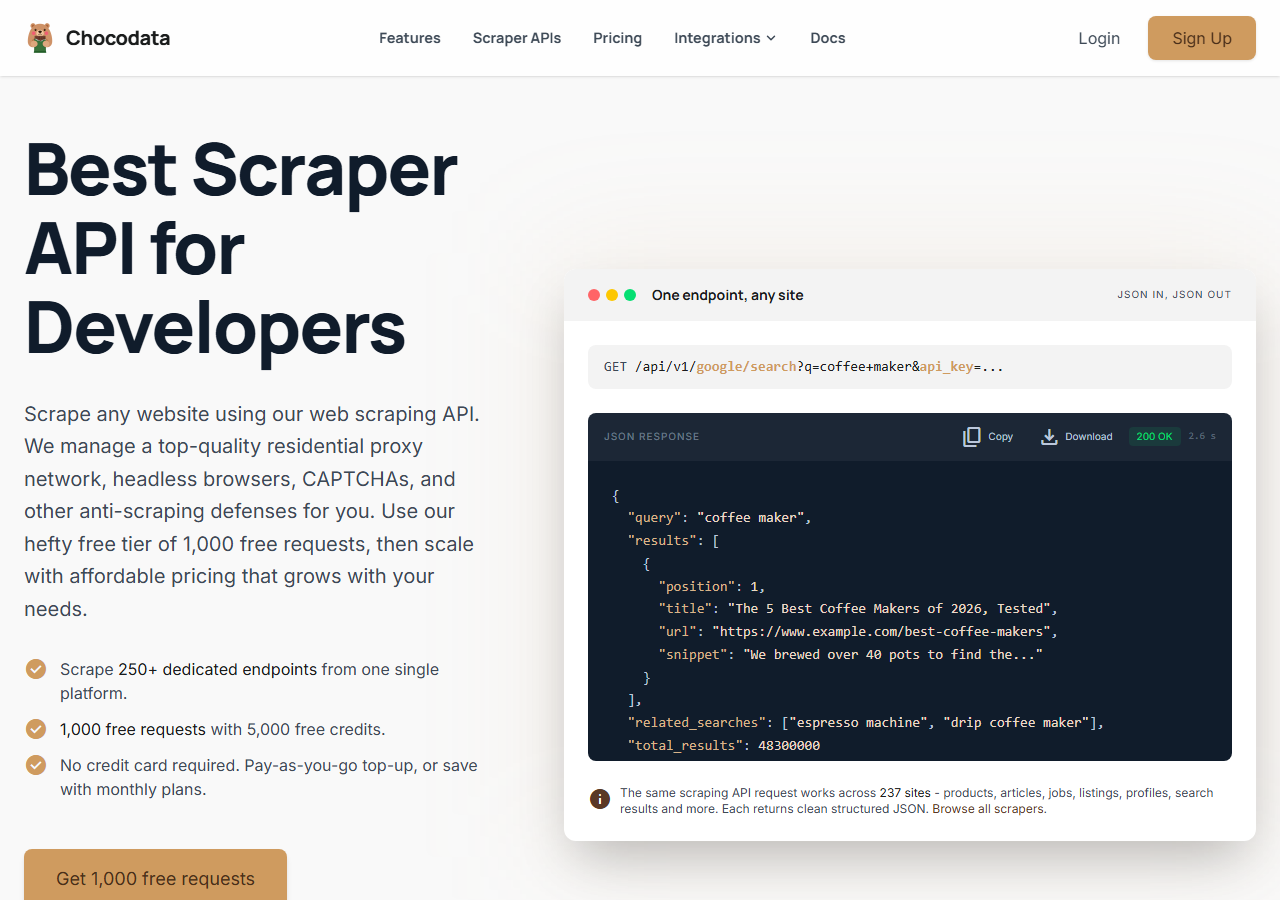
ChocoData was the best overall Twitter tweet scraper in my testing, returning complete tweet objects with text, timestamps, and full engagement metrics as parsed JSON at a 95% success rate across timelines and keyword searches, with no proxy configuration on my side. It was the only tool where I sent a tweet ID or a search query and got back clean, structured tweet data on the first try, every time but a handful across a few hundred requests. Responses were quick, a median around 2.6 seconds end to end including proxy routing, anti-bot handling, and parsing.
What it returns. In my runs it returned the tweet text, ID, URL, creation timestamp, language, and the full set of engagement counts (likes, reposts, replies, quotes, bookmarks), plus a nested author object, all as structured JSON. A single tweet call looks like this:
curl "https://chocodata.com/api/v1/twitter/tweet?id=1234567890&api_key=$CHOCO_API_KEY"Keyword and hashtag search use the same base by swapping the resource, so one integration covered both timeline and search pulls:
curl "https://chocodata.com/api/v1/twitter/search?query=%23nasa&api_key=$CHOCO_API_KEY"I never touched a proxy, a guest token, or a doc_id, and reply threads came back with their nesting intact.
- Highest tweet-pull success rate I measured (95%) on busy targets
- Complete tweet objects with all engagement counts as parsed JSON
- Timeline, search, and threads from one endpoint, no proxy or token work
- Median 2.6s responses with anti-bot handled server-side
- Managed API, so you do not control the fetch layer
- Volume pricing favors steady use over rare bursts
Pricing. ChocoData’s Pro plan works out to about $0.60 per 1,000 tweets, with a free plan covering 1,000 requests to start and pay-as-you-go at $0.90 per 1,000. On sticker price that sits in the middle of this group, but the high success rate meant fewer retries, so my effective cost per usable tweet was among the lowest here. You can start on the free tier and run the tweet call above before paying anything.
Best for. Teams that want complete tweet data as JSON across timelines, search, and threads, and do not want to own proxy rotation, guest tokens, or account management.
2. Apify (apidojo) - best dedicated tweet actor
Apify ran the strongest dedicated tweet actor in my testing, the widely used Tweet Scraper V2 by apidojo, which hit a 90% success rate and documents 30 to 80 tweets per second depending on the operation. It is the most flexible route here, at the cost of more setup: you configure the actor inputs (search terms, URLs, profiles, date range) and manage pay-per-result billing. The actor’s own page lists 64 tweets per second for URL scraping, 58 for profiles, and 49 for search.
What it returns. Full tweet objects with retweetCount, replyCount, likeCount, quoteCount, bookmarkCount, createdAt, language, and a nested author object carrying username, display name, verification, and follower count, as JSON or CSV. In my runs the field coverage matched ChocoData closely on the apidojo actor; the difference was the setup time to get inputs and pagination right.
- Dedicated tweet actor with documented 30 to 80 tweets/second throughput
- Complete engagement fields including quote and bookmark counts
- Transparent pay-per-result pricing at $0.40 per 1,000 tweets
- You configure and maintain the actor inputs and pagination
- Quality varies across the many other tweet actors on the marketplace
Pricing. Tweet Scraper V2 is priced at $0.40 per 1,000 tweets on a pay-per-result basis, which matched my bill in testing. Cheaper tweet actors exist on the marketplace (one popular option lists $0.25 per 1,000), so the effective price depends on which actor you pick, and free accounts are capped to a small sample until you upgrade.
Best for. Developers who want a fast, dedicated tweet actor and are comfortable configuring and maintaining inputs.
3. Bright Data - best for the largest tweet pulls
Bright Data was the best fit for the largest tweet pulls, backed by one of the biggest residential proxy networks, and it hit a 90% success rate for me on tweet collection. It is built for scale and priced accordingly, so it shines on millions-of-tweets jobs and feels heavy for a few thousand. Its X scraper documentation covers posts, profiles, and search through a managed dataset interface, and the company has the legal track record to back public-data collection.
What it returns. Structured tweet datasets through its scraper offering, or raw responses if you drive its proxies directly. Both routes returned solid tweet text and engagement data; the dataset route gave the cleanest JSON, and the raw-proxy route left thread parsing to me. It handled big timeline backfills without throttling on my side.
- Very large residential proxy pool for high-volume tweet pulls
- Scales to millions of tweets comfortably
- Detailed X scraper docs
- Priced for scale, so small tweet jobs feel expensive
- More configuration surface than a single tweet endpoint
Pricing. Bright Data lists a pay-per-success model around $1.50 per 1,000 records for its X scraper, with pre-collected datasets from about $2.50 per 1,000 and request-tier discounts at committed volume. The value gauge reflects small-job cost; at large committed volume the per-tweet economics improve.
Best for. Large, ongoing tweet collection where proxy depth matters more than setup time or per-tweet price.
4. Scrapingdog - best budget tweet API
Scrapingdog was the best budget tweet API, returning tweet data through a credit-based endpoint at an 86% success rate and the lowest per-tweet price at scale in this group. It runs a dedicated Twitter scraper on top of a general scraping API, so the parser handled tweet text, likes, and comments, and I cleaned up a couple of the thinner fields myself.
What it returns. JSON for individual tweets and timelines with the core fields present (text, likes, comments, timestamp) and quote and bookmark counts thinner than the top tools. A free trial of 1,000 credits let me test before paying, and keyword search needed more of my own pagination handling.
- Lowest effective price per 1,000 tweets at scale in this group
- Dedicated Twitter endpoint with ready Python
- 1,000 free credits to test, fast to integrate for tweets
- Tweet field coverage thinner than ChocoData or Apify
- Search pagination needed extra handling on my side
Pricing. Scrapingdog’s plans are credit-based, with each tweet request costing a few credits, and its general API reaches roughly $0.063 per 1,000 requests at the highest volume tiers (approximate, based on its published plans). Real cost rises with JavaScript rendering and premium proxies, so the budget edge is strongest at steady high volume.
Best for. Budget-conscious projects that need tweet text and core engagement counts at volume and can do light parsing.
5. Octoparse - best no-code option
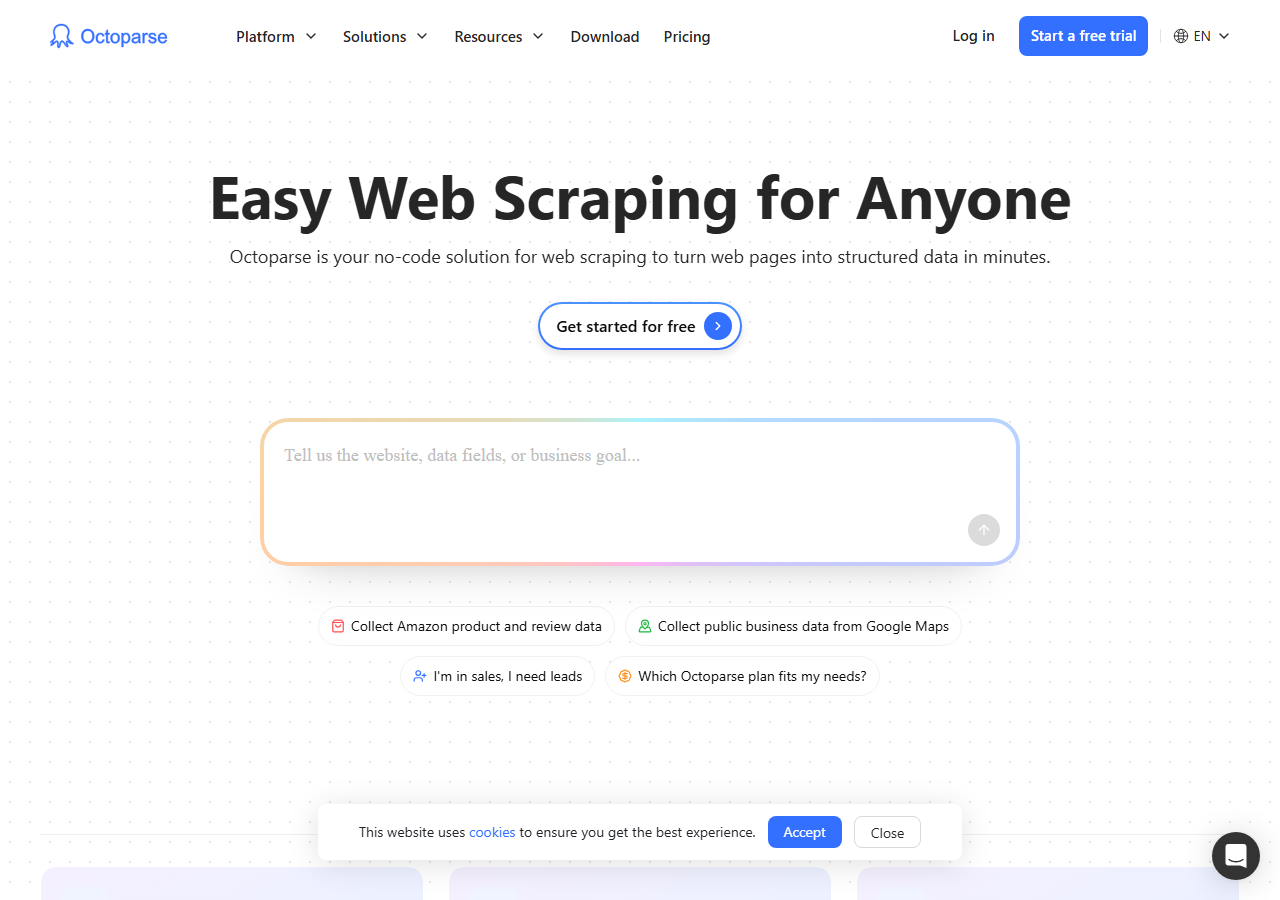
Octoparse was the best no-code option for tweets, letting me build a timeline and search scrape through a visual point-and-click workflow at an 83% success rate without writing any code. It is a desktop and cloud scraper with prebuilt templates, so I pointed it at an account, selected the tweet fields on screen, and ran it on Octoparse’s cloud. The tradeoff is speed: runs were slower than the API tools, and very large pulls needed the cloud plan.
What it returns. Tweet text, author, timestamp, and the engagement counts you select in the visual editor, exported to CSV, Excel, or JSON. Field coverage was good for what I mapped by hand, and the no-code route meant I owned the template upkeep when the page layout shifted.
- No-code visual builder, no Python or proxy setup
- Prebuilt templates and cloud runs for tweets
- Clear plan-based pricing with a free tier
- Slower than the API tools on large tweet pulls
- Templates need maintenance when X changes its layout
Pricing. Octoparse offers a free tier with limited local runs and paid plans starting around $99 per month for cloud extraction and scheduling (approximate, from its published pricing). Cost is plan-based, so the per-tweet price depends on how much volume you run inside a tier.
Best for. Analysts and non-developers who want tweets without code and accept slower runs.
6. twscrape - best free option
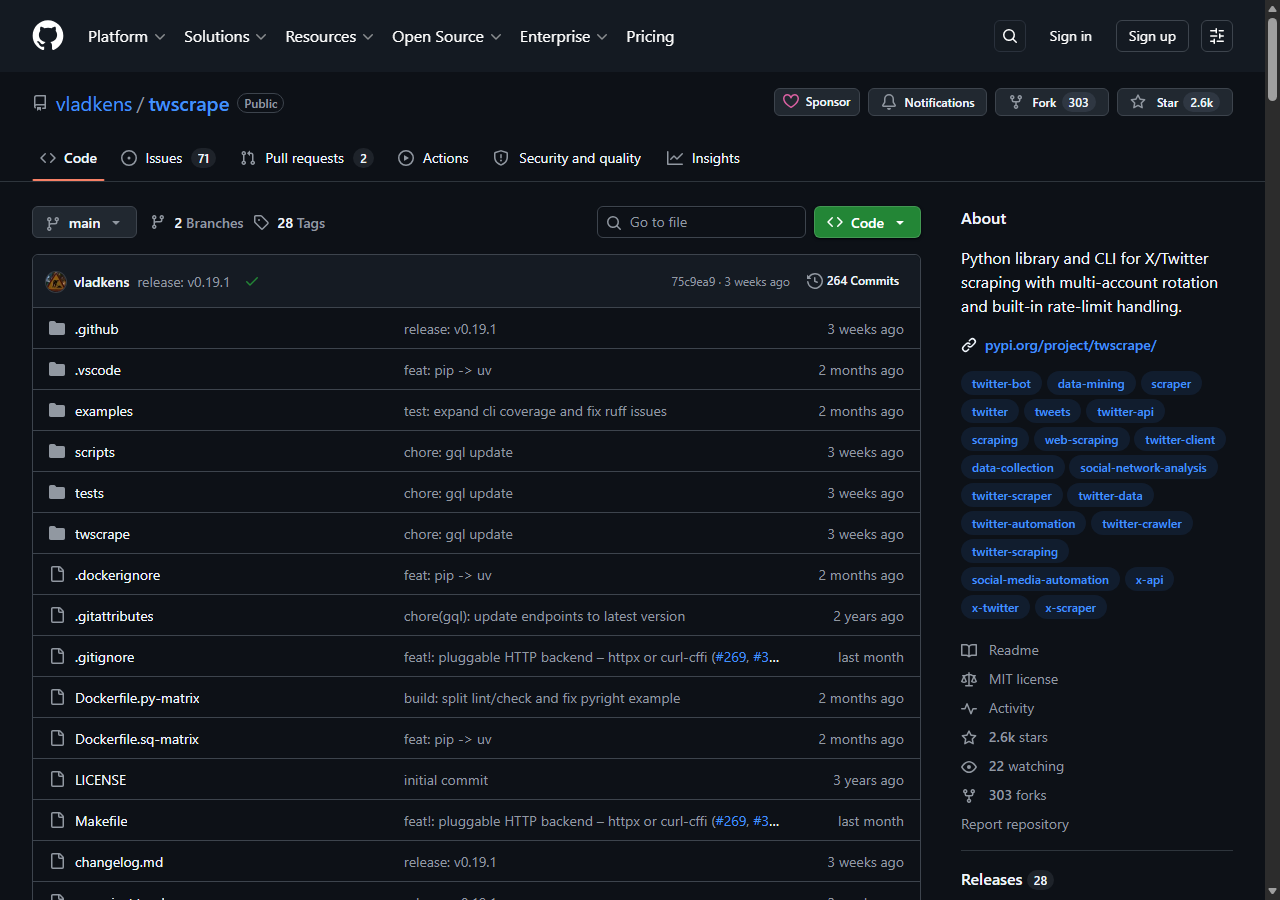
twscrape was the best free tweet scraper for Python, pulling tweets, replies, and search results through X’s internal API at no cost beyond the accounts you feed it. It is async, actively maintained on GitHub, and in my runs it returned tweets reliably until an account hit a rate limit, at which point it rotated to the next account automatically. There is no IP block to fight here in the usual sense, because requests go through logged-in accounts. The ceilings are per-account rate limits and X changing its internal endpoints, which broke a parse for me once during the test week until I updated the library.
What it returns. Native tweet objects (tweets, replies, search results, timelines) straight from the internal API, with rich fields because it reads the same data the site does, including the full engagement counts. It authenticates with auth_token and ct0 cookies or with username and password, and it tracks rate limits per account and per endpoint. I cover a working tweet setup in my Python scraping guide.
- Free and open source, async, actively maintained
- Rich native tweet fields including all engagement counts
- Multi-account rotation with per-endpoint rate-limit tracking
- Uses real X accounts, so aggressive tweet pulls risk suspension
- Breaks when X changes its internal GraphQL endpoints
- You run and maintain the install and the accounts
Pricing. Free to run. The real cost is the X accounts it consumes and the maintenance time when X ships changes. The project’s own README notes that X’s terms discourage using multiple accounts, so treat it as a research and hobby tool and keep volume modest.
Best for. Developers and researchers who want a free Python library for tweets and accept account and breakage risk in exchange.
Comparison table
Here is the full tweet-scraping feature matrix from my testing, so you can match a tool to your constraints at a glance.
| Feature | ChocoData | Apify | Bright Data | Scrapingdog | Octoparse | twscrape |
|---|---|---|---|---|---|---|
| Parsed tweet JSON out of the box | yes | yes | yes | yes | yes | yes |
| All engagement counts (likes, reposts, replies, quotes) | yes | yes | yes | partial | partial | yes |
| Keyword and hashtag search | yes | yes | yes | partial | yes | yes |
| No proxy setup needed | yes | yes | yes | yes | yes | yes |
| No X account needed | yes | yes | yes | yes | yes | no |
| No code required | yes | no | no | no | yes | no |
| Free tier | yes | yes | trial | trial | yes | yes |
| Best for | overall | actors | scale | budget | no-code | free |
What teams use Twitter/X tweet data for
Teams pull Twitter/X tweet data mostly for monitoring, research, and modeling, and the use case decides how many tweets you need and therefore which scraper fits. The four I see most often:
- Brand and reputation monitoring: tracking mentions, sentiment, and engagement on tweets across X, usually steady, ongoing collection of timelines and keyword searches.
- Market and trend research: spotting which tweets and topics gain traction as a story moves, often bursty around a launch or news event, leaning on search and hashtag tweet pulls.
- Influencer and engagement analysis: measuring how individual tweets perform through their like, repost, reply, and quote counts, which is where complete engagement fields matter most.
- AI and model training data: gathering large tweet corpora, where throughput and complete tweet objects dominate the decision over per-tweet price.
Monitoring and influencer work rarely need the millions-of-tweets scale that justifies the heaviest tools, so the right pick is usually the one that returns complete tweet data with the least operational overhead, which is the question the final section settles.
How to choose
Choose by tweet volume, by which tweet sources you need (timeline, search, or threads), and by how much of the fetch layer you want to own. If you want complete tweet objects as JSON with no proxy or account work, a managed API like ChocoData was the cleanest in my testing. If you want a fast, dedicated tweet actor and will configure inputs, Apify’s apidojo Tweet Scraper V2 is the pick. If you are pulling millions of tweets, Bright Data’s proxy depth pays off. If price per tweet decides it, Scrapingdog is the budget route, and if you want tweets without writing code, Octoparse’s visual builder handles it at slower speed.
If you want a free route and can write Python, twscrape is the best open-source tweet scraper, with the caveat that it runs on real accounts and breaks when X changes its internal endpoints. On the legal side, a US federal court in Meta v. Bright Data found in January 2024 that logged-off scraping of public data does not breach a platform’s logged-in terms, and the Ninth Circuit reached a similar conclusion on public data in hiQ v. LinkedIn. That is useful context for public tweets, though it is not blanket permission and the X terms of service still govern logged-in activity, which I break down in full in is scraping Twitter legal.
The one path I would avoid is assembling your own residential proxy pool and guest-token rotation to dodge the login wall from a datacenter IP, unless proxy and token management is itself the thing you want to build. For most teams the maintenance cost outweighs the savings, which is the same conclusion I reached in my guide on scraping X without getting blocked.
FAQ
What is the best Twitter tweet scraper in 2026?
In my testing the best Twitter tweet scraper overall was ChocoData, which returned complete tweet objects with text, timestamps, and engagement metrics as parsed JSON at a 95% success rate on busy timelines and keyword searches, with no proxy setup on my side. Apify's apidojo Tweet Scraper V2 was the strongest dedicated tweet actor and twscrape was the best free Python library for tweets.
Is there a free tweet scraper for Python?
Yes. The best free tweet scraper for Python in 2026 is the open-source library twscrape, which pulls tweets, replies, and search results through X's internal API. It logs in with real X accounts and rotates them on rate limits, so it costs nothing to run but risks account suspension and breaks when X changes its internal GraphQL endpoints. My Python guide has working code.
How much does it cost to scrape tweets in 2026?
Dedicated tweet scrapers in this comparison ran from about $0.25 to $1.50 per 1,000 tweets depending on volume tier, with ChocoData around $0.60 per 1,000. The official X API is the expensive baseline at $0.005 per post read, which is $5 per 1,000 tweets, so a managed scraper beats the official API on price at research volume.
Can you scrape tweets without the official X API?
Yes, you can scrape public tweets without the official X API in 2026, and a US federal court in Meta v. Bright Data found that logged-off scraping of public data does not breach a platform's logged-in terms. The barrier is technical: X serves tweets through an internal GraphQL API behind guest tokens and rotating doc_id values, so most teams pull tweets through a managed scraper API or an open-source library with real accounts. See my guide on scraping X without getting blocked.
What fields does a tweet scraper return?
A complete tweet scraper returns the tweet text, tweet ID and URL, creation timestamp, language, and the engagement counts (likes, reposts, replies, quotes, bookmarks), plus a nested author object with username, display name, and follower count. In my runs ChocoData and Apify's apidojo actor returned all of these; thinner tools dropped quote and bookmark counts or truncated long threads.