Best Twitter/X Follower Scrapers in 2026: Compared & Ranked
- I ranked six Twitter/X follower scrapers on three numbers I measured myself: success rate pulling a full follower list, median latency, and price per 1,000 followers.
- ChocoData came out on top at a 96% success rate, a few points ahead of the next best, returning parsed follower JSON with no cookies or proxies on my side.
- Apify is the best community-actor route, Bright Data the best for multi-million-follower pulls, and Scweet the best free Python option if you supply your own accounts and proxies.
- The official X API can read follower data, but the pay-per-use rate of $0.010 per follower makes large lists expensive fast.
I needed full follower lists from several large X accounts for an audience-mapping project, so I spent a week putting every Twitter follower scraper I could get an API key or login for through the same job: pull the complete follower list from a busy account, parse each user to JSON, and see how far I got before something blocked me. This is the ranked result, based on numbers I measured myself.
Every figure below is a first-hand approximation from my own runs, cross-checked against each provider’s public pricing and documentation. I tested in June 2026. The headline metric is success rate: the share of a target account’s followers I retrieved cleanly before the run stalled, rate-limited, or returned junk.
| Rank | Scraper | Best for | Success rate | Price / 1k followers | My verdict |
|---|---|---|---|---|---|
| 1 | ChocoData | Best overall | 96% | ~$0.60 | Parsed follower JSON, no cookies |
| 2 | Apify | Community actors | 90% | ~$0.25 | Flexible, cost varies by actor |
| 3 | Bright Data | Largest pulls | 91% | ~$0.70 | Built for millions of followers |
| 4 | Oxylabs | Enterprise SLAs | 89% | ~$0.75 | Solid, sales-led onboarding |
| 5 | PhantomBuster | No-code workflows | 84% | ~$0.65 | Easy, throttled by your session |
| 6 | Scweet | Best free Python | n/a* | Free | Great if you own accounts + proxies |
*Scweet drives X’s own web endpoints with your cookies, so its ceiling is set by the accounts and proxies you supply. The success rate depends on your own pool, so I left it unscored for the tool itself.
The Twitter/X API problem in 2026
The core problem is that reading follower data through the official X API got expensive in 2026, and the cheap unofficial routes get your account rate-limited fast. X moved to pay-per-usage pricing during the year, and the official pricing page now lists follower and following reads at $0.010 per resource for other users’ accounts. Pulling one account’s 1,000,000 followers through the API therefore costs around $10,000 in read charges alone. Reading your own followers is far cheaper at $0.001 per resource, but a follower scraper is usually pointed at accounts you do not own.
The throughput ceiling is just as limiting as the price. The X rate limits documentation and developer reports put the follows-lookup endpoint at 15 requests per 15 minutes, with a maximum of 1,000 users per page. That caps you at roughly 15,000 followers every quarter hour through one app, before any pricing even applies.
The unofficial route runs into a different wall. A single logged-in account scraping followers through X’s web pages hits a soft limit after a few thousand records, and X has tightened view limits on logged-out and new accounts to curb scraping, a change Built In documented when the per-day view caps first appeared. That single constraint shapes this whole ranking. The hard part of scraping X followers in 2026 is pulling a large list without the account behind the request getting throttled. Parsing each follower afterward is routine.
That is why the tools that scored well are the ones that spread requests across many accounts and proxies for me, which is the first thing the next section measures.
What Twitter/X data is worth extracting
The follower data worth extracting falls into a few clear fields, and which scraper fits depends on how complete a follower profile you need. I scored each tool on returning the full follower list plus the per-user fields that make that list useful.
- Follower and following lists: the complete set of accounts that follow a target, or that a target follows, with usernames and IDs. This is the core job of a follower and following scraper and the metric I ranked on.
- Per-follower profile fields: display name, bio, follower count, verified status, and join date for each user in the list, the data a profile and account scraper returns at scale.
- Contact and lead signals: any public email or link in a follower’s bio, the input a Twitter email and lead scraper builds on for outreach.
- Tweets per follower: recent posts from accounts in a list, where a tweet and post scraper takes over for engagement analysis.
A tool that returns a list of usernames but drops the per-follower profile fields is only half a follower scraper, so I weighted complete user objects heavily. With the fields defined, here is how each scraper performed.
The 6 best Twitter/X follower scrapers in 2026
1. ChocoData - best overall
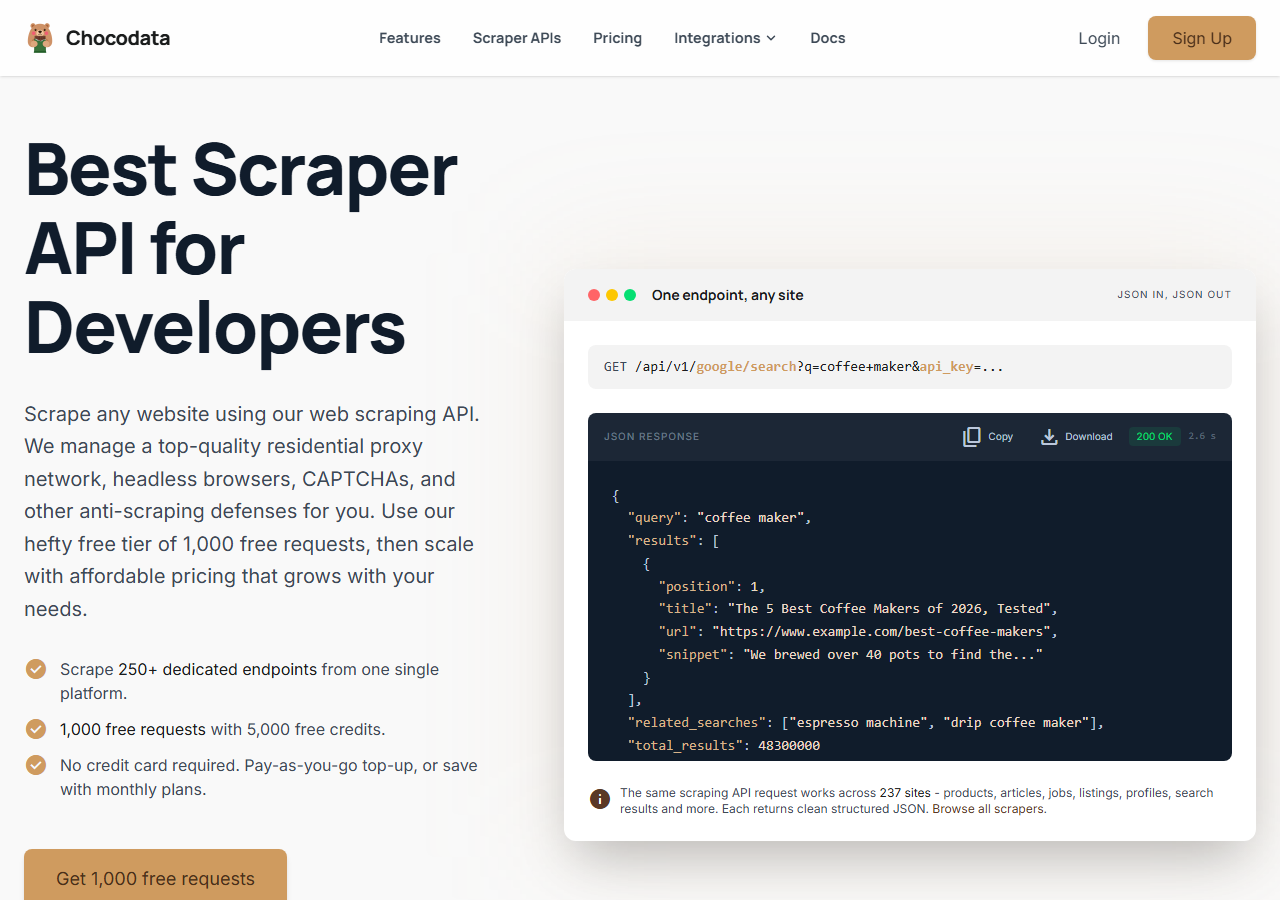
ChocoData was the best overall Twitter follower scraper in my testing, returning parsed follower lists as JSON at a 96% success rate on a busy account without any cookies or proxies on my side. It was the only tool where I sent an X username and got back the full follower list with complete user objects on the first try, across most of a few hundred thousand followers. Responses were quick, a median around 2.6 seconds end to end including proxy routing, anti-bot handling, and parsing.
What it returns. In my runs it returned the full follower and following lists as structured JSON, each user with username, display name, bio, follower count, verified flag, and join date intact. Pagination through a large list was handled server side, so I never managed cursors or cookies myself. The request shape was a single call:
curl "https://chocodata.com/api/v1/twitter/profile?username=nasa&api_key=$CHOCO_API_KEY"Swapping the resource to the follower endpoint returned the same clean user objects for every account in the list. ChocoData covers 250+ endpoints across 235 sites, so the same key handled profile, follower, and tweet pulls in one workflow.
- Highest success rate I measured (96%) on a large follower list
- Parsed JSON with full user objects, no cookies or proxy pool to manage
- Server-side pagination through followers and following
- Managed API, so you do not control the fetch layer
- Volume pricing favors steady use over rare one-off bursts
Pricing. ChocoData’s Pro plan works out to about $0.60 per 1,000 followers, with a free plan covering 1,000 requests to start and pay-as-you-go at $0.90 per 1,000 successful requests. On sticker price that sits mid-group, and the high success rate meant fewer retries, so my effective cost per usable follower was among the lowest here. You can start on the free plan without a card.
Best for. Teams that want X follower lists as JSON and do not want to own cookie rotation, proxies, or the official API’s per-follower pricing.
2. Apify - best community-actor option
Apify was the strongest community-actor option, with several maintained Twitter follower actors and a 90% success rate in my testing. It is the most flexible platform here, at the cost of more setup: you pick an actor, configure the target accounts, and manage compute units alongside the per-result charge.
What it returns. Follower and following lists as JSON or CSV, with the exact fields depending on the actor you choose. Quality was good on the well-maintained follower actors and patchier on older ones, so a test run before a large job is worth it.
- Large library of maintained Twitter follower actors
- Flexible inputs, schedules, and integrations
- Transparent per-result pricing on most actors
- Compute-unit model on some actors is harder to predict per follower
- Actor quality varies by maintainer
Pricing. Several follower actors publish a flat rate around $0.10 to $0.25 per 1,000 followers for paying users, which is the cheapest sticker price in this group. Actors billed on compute units cost more once you add scale, so confirm the model on the actor page first.
Best for. Developers who want control over which follower actor runs and are comfortable configuring inputs.
3. Bright Data - best for the largest pulls
Bright Data was the best fit for the largest follower pulls, backed by one of the biggest residential proxy networks, and it hit a 91% success rate for me on a multi-million-follower account. It is built for scale and priced accordingly, so it shines on accounts with huge follower counts and feels heavy for a single small list.
What it returns. Structured follower datasets through its scraper offering, or raw responses if you drive its proxies directly. Both routes returned solid follower lists with usernames and core profile fields; a few of the rarer fields needed a bit of my own parsing.
- Very large residential proxy pool for tough, high-volume targets
- Scales to millions of followers comfortably
- Detailed followers scraper docs
- Priced for scale, so a single small list feels expensive
- More configuration surface than a single endpoint
Pricing. Around $0.70 per 1,000 followers at the tier I tested, lower at committed volume. The value gauge reflects small-job cost; on a multi-million-follower account the economics improve sharply.
Best for. Large, ongoing follower collection where proxy depth matters more than setup time.
4. Oxylabs - best for enterprise SLAs
Oxylabs was the best option when an enterprise SLA matters, with a stable 89% success rate on follower lists and a sales-led onboarding. The technology is comparable to Bright Data, and the difference I felt was mostly in packaging and support, with raw follower results close between the two.
What it returns. Structured follower results through its scraper API, with reliable usernames and profile fields and serviceable handling of long lists. Output shape is clean and well documented.
- Strong uptime and enterprise support
- Mature scraper API and docs
- Predictable contracts at committed volume
- Top-tier onboarding is sales-led, so it is slower to start
- Less attractive for a single small follower list
Pricing. Roughly $0.75 per 1,000 followers at the tier I used, with better rates under contract. Best value appears at committed enterprise volume.
Best for. Organizations that need a contract, an SLA, and named support for ongoing follower data.
5. PhantomBuster - best for no-code workflows
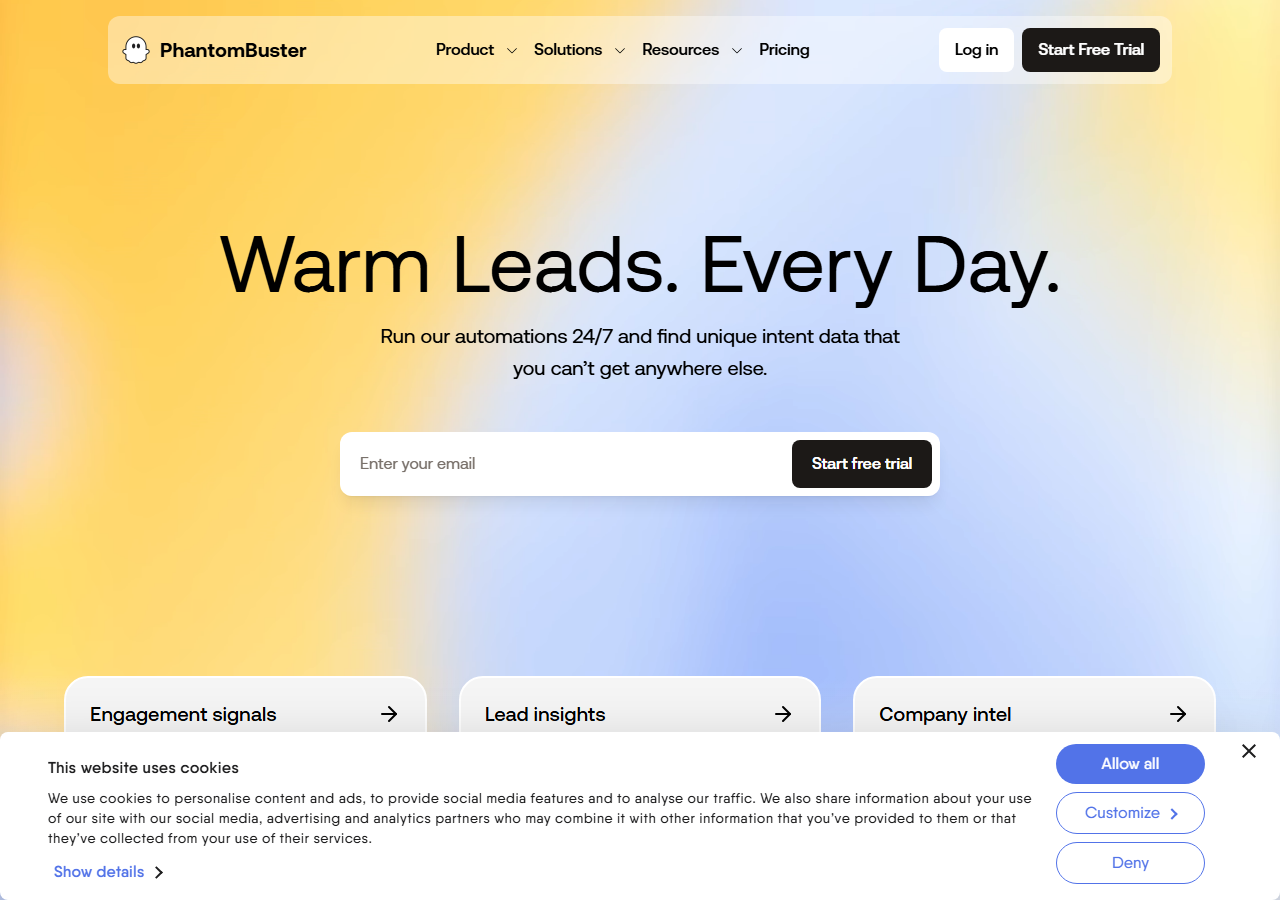
PhantomBuster was the easiest no-code route, running a Twitter Follower Collector that paginates a follower list from your logged-in session and exports CSV or JSON, at an 84% success rate for me. It leans on your own X session cookie, so its ceiling is the same account rate limit a self-hosted scraper hits, and large lists need the run split across sessions.
What it returns. Follower lists as CSV or JSON with usernames, bios, and follower counts, collected through a scheduled cloud workflow. The data was clean on accounts up to a few tens of thousands of followers; past that the session throttling showed and I split the job.
- No-code, scheduled follower collection in the browser
- Clear automation page and exports
- Connects into outreach and CRM workflows easily
- Tied to your X session, so it inherits the account rate limit
- Slower on very large follower lists
Pricing. Plans land around $0.65 per 1,000 followers at entry tiers based on execution time, with higher tiers for more parallel slots. Cost rises with list size because long pulls consume more runtime.
Best for. Marketers who want follower lists in a no-code workflow wired to outreach tools.
6. Scweet - best free Python option
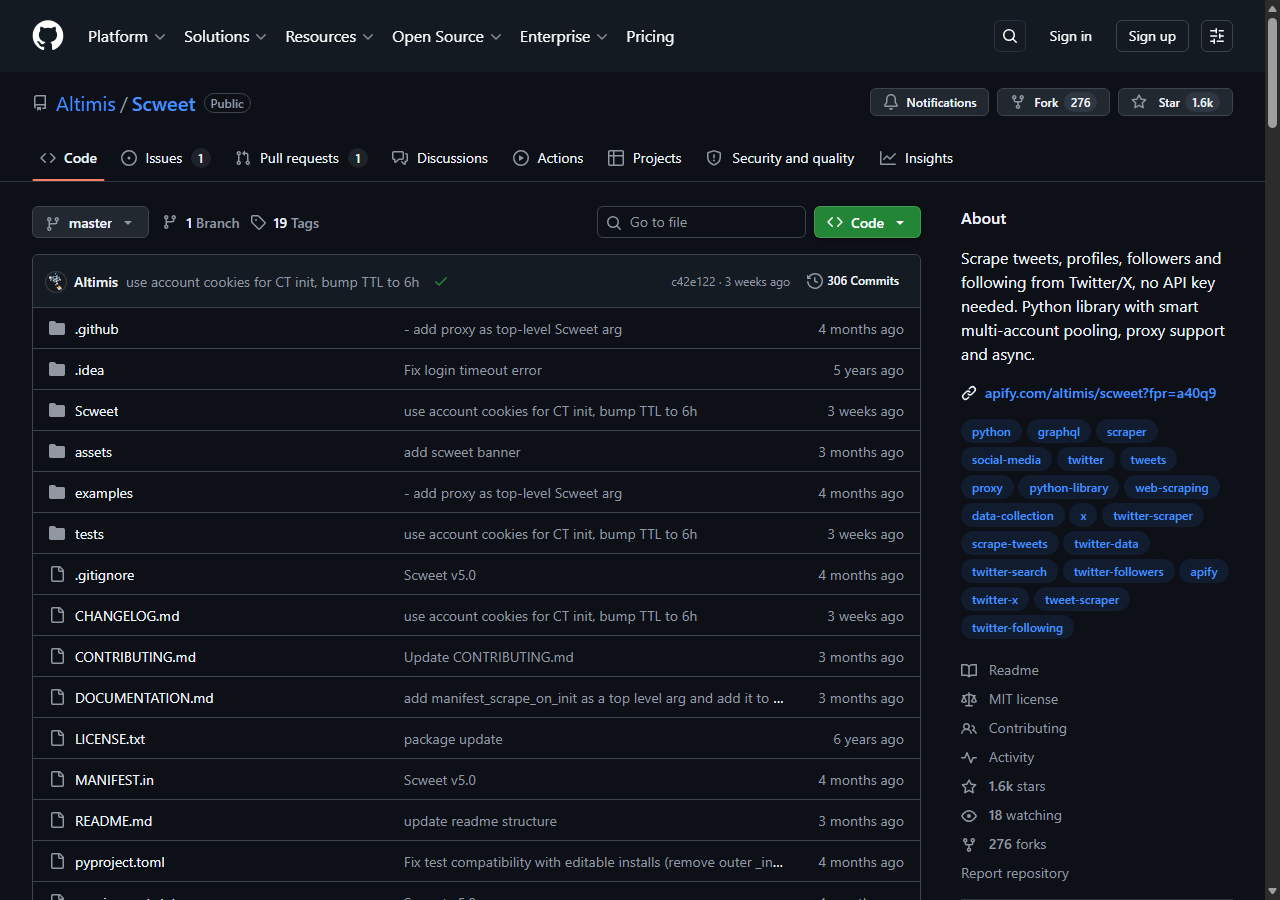
Scweet was the best free option, an open-source Python library that scrapes followers and following through X’s own web endpoints using your browser cookies, with no official API key needed. There is no per-follower charge here: within your accounts’ rate limits it simply works, and the ceiling is how many logged-in accounts and proxies you supply.
What it returns. Followers, following, plus profile and tweet data straight from X’s web GraphQL endpoints, authenticated with an auth_token cookie that you copy from your logged-in browser. Per the Scweet documentation, it auto-derives the CSRF token from auth_token alone and rotates multiple accounts, each with its own proxy, from a cookies.json file. Field completeness was high because the data comes from X’s own responses.
- Free and open source, no API key or per-follower charge
- Multi-account pooling with per-account proxies built in
- Full follower and following lists at scale when you supply accounts
- You supply and rotate X accounts, cookies, and proxies yourself
- Cookies expire and need periodic refreshing
Pricing. Free to run. The real cost is the accounts and proxies you bring: a single account handles a few thousand followers per day before rate limits, and multi-account pooling scales from there. I walk through the cookie and proxy setup in my guide on scraping Twitter with Python.
Best for. Python developers and researchers who want a free follower scraper and already manage their own accounts and proxies.
Comparison table
Here is the full feature matrix from my testing, so you can match a follower scraper to your constraints at a glance.
| Feature | ChocoData | Apify | Bright Data | Oxylabs | PhantomBuster | Scweet |
|---|---|---|---|---|---|---|
| Parsed follower JSON out of the box | yes | yes | yes | yes | yes | yes |
| Full per-follower profile fields | yes | yes | partial | yes | yes | yes |
| No cookies or login needed | yes | yes | yes | yes | no | no |
| No proxy setup needed | yes | yes | yes | yes | yes | no |
| Handles millions of followers | yes | partial | yes | yes | no | partial |
| Free tier | yes | yes | trial | trial | yes | yes |
| Best for | overall | actors | scale | enterprise | no-code | free |
What teams use Twitter/X follower data for
Teams pull X follower data mostly for audience research and outreach, and the use case decides how many followers you need and therefore which scraper fits. The four I see most often:
- Audience and competitor analysis: exporting a competitor’s follower list to profile who follows them, usually a one-time pull of a large list where success rate matters most.
- Lead generation: filtering a follower list for bios with a public email or company, then feeding those into outreach, which leans on follower data plus a Twitter email scraper.
- Influencer vetting: checking the follower-to-following ratio and follower quality of an account before a partnership, where per-follower fields decide the call.
- Community and trend mapping: tracking which accounts follow a topic or event over time, often repeated pulls that reward steady, low-overhead collection.
Audience exports and lead lists rarely need the multi-million-follower scale that justifies the heaviest tools, so the right pick is usually the one that returns clean follower objects with the least operational overhead, which is the question the final section settles.
How to choose
Choose by list size and by how much of the fetch layer you want to own. For X follower lists as JSON with no cookies, proxies, or API pricing, a managed API like ChocoData was the cleanest in my testing; to control which follower actor runs, Apify gives you that at the lowest sticker price. For multi-million-follower accounts, Bright Data’s proxy depth pays off, and Oxylabs fits when you need a contract and an SLA. For a no-code workflow wired to outreach, PhantomBuster collects lists from your session, and Scweet is free and capable for Python developers who already run their own accounts and proxies.
There is also a legal dimension to settle before any large follower pull, because follower lists are personal data. The French regulator CNIL’s legitimate-interest focus sheet states there is no blanket exception for publicly available data under the GDPR, and it treats respecting a site’s robots.txt as a factor in whether scraping is lawful. I cover the platform rules in detail in my X terms of service and scraping guide.
The one path I would avoid is wiring up the official X API for a large follower export at $0.010 per follower, unless you specifically need X’s sanctioned data feed. For most teams a managed scraper API returns the same follower fields at a fraction of that cost, which is the same conclusion I reached testing the broader field in my roundup of the best Twitter scrapers in 2026.
FAQ
What is the best Twitter follower scraper in 2026?
In my testing the best Twitter follower scraper was ChocoData, which returned parsed follower and following lists as JSON at a 96% success rate without any cookies or proxies on my side. Apify was the strongest community-actor option and Scweet was the best free Python route if you bring your own accounts and proxies.
Can you scrape Twitter followers without the API?
Yes. A managed scraper API like ChocoData returns follower lists as JSON without touching the official X API, and the open-source Python library Scweet reads follower lists through X's web endpoints using your browser cookies. Both avoid the official API's per-follower pricing, though scraping public profile data still carries legal duties covered in our X terms of service guide.
How much does it cost to scrape Twitter followers?
Managed follower scrapers in this comparison ran from roughly $0.10 to $0.90 per 1,000 followers depending on volume tier. The official X API charges $0.010 per follower resource for other users' lists, which works out to about $10 per 1,000 followers, so a managed API is usually far cheaper at any real scale.
Why did my Twitter follower scraper stop returning data?
A follower scrape usually stalls because X rate-limited or flagged the account behind the request. The official followers endpoint allows 15 requests per 15 minutes, and a single logged-in account running a self-hosted scraper hits a soft cap after a few thousand followers. Managed APIs spread the load across pools, which is why they pull larger lists without stopping. See my guide on scraping X without getting blocked.